What This Article Covers
If You Think It Is Only Storage Space, You Are Only Half Right.
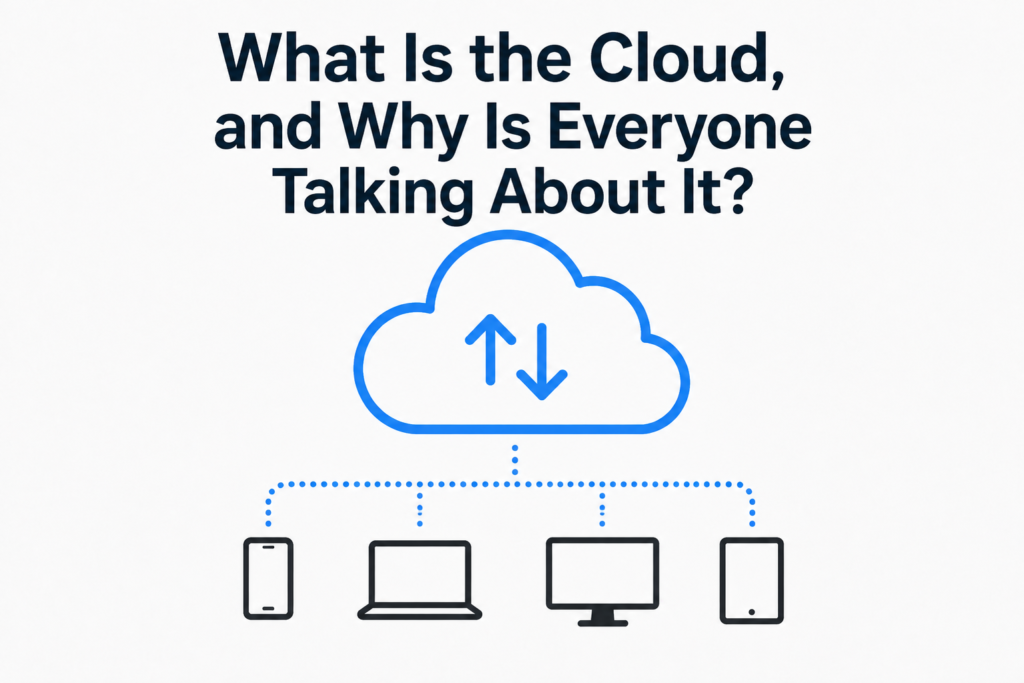
These days, people often say, “I uploaded it to the cloud,” when backing up photos or saving documents.
That is why many people think of the cloud as
“storage space on the internet.”
That is true.
However, this is only one of the many ways the cloud is used.
In IT, the cloud has a somewhat broader meaning.
How Ordinary Users Think of the Cloud
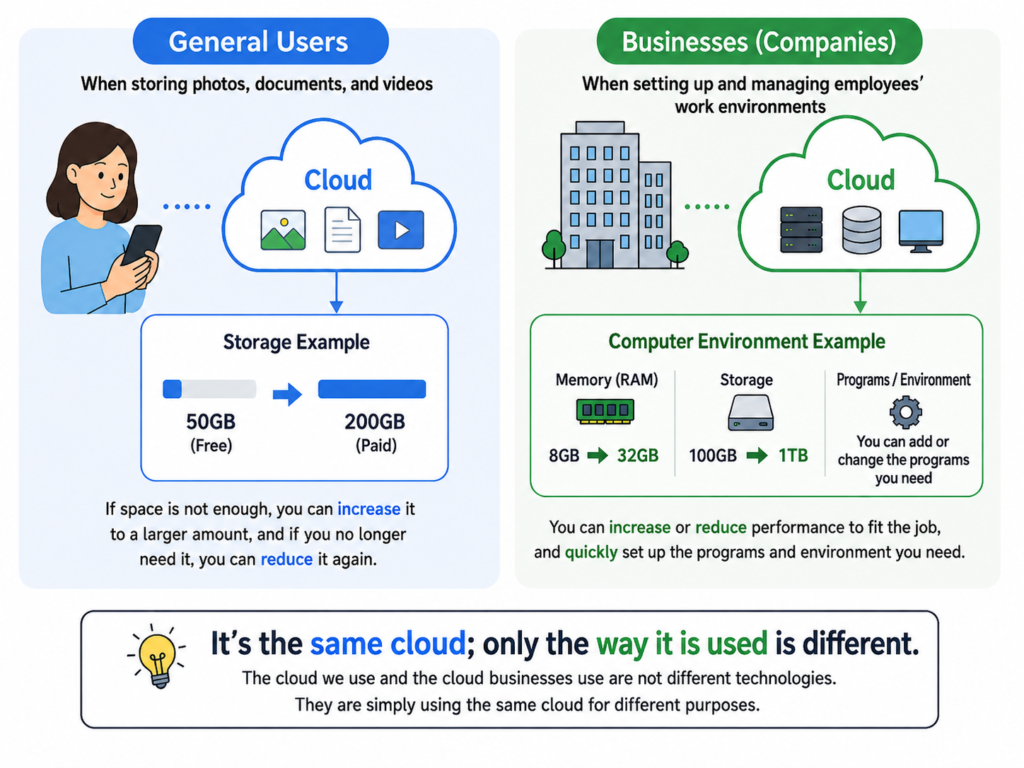
The cloud services we commonly use are similar to an external hard drive.
The difference is that instead of carrying an external hard drive with you, you store your files on the internet.
For example, you can use it for
- backing up photos
- saving documents
- storing videos
and access your files anytime and anywhere.
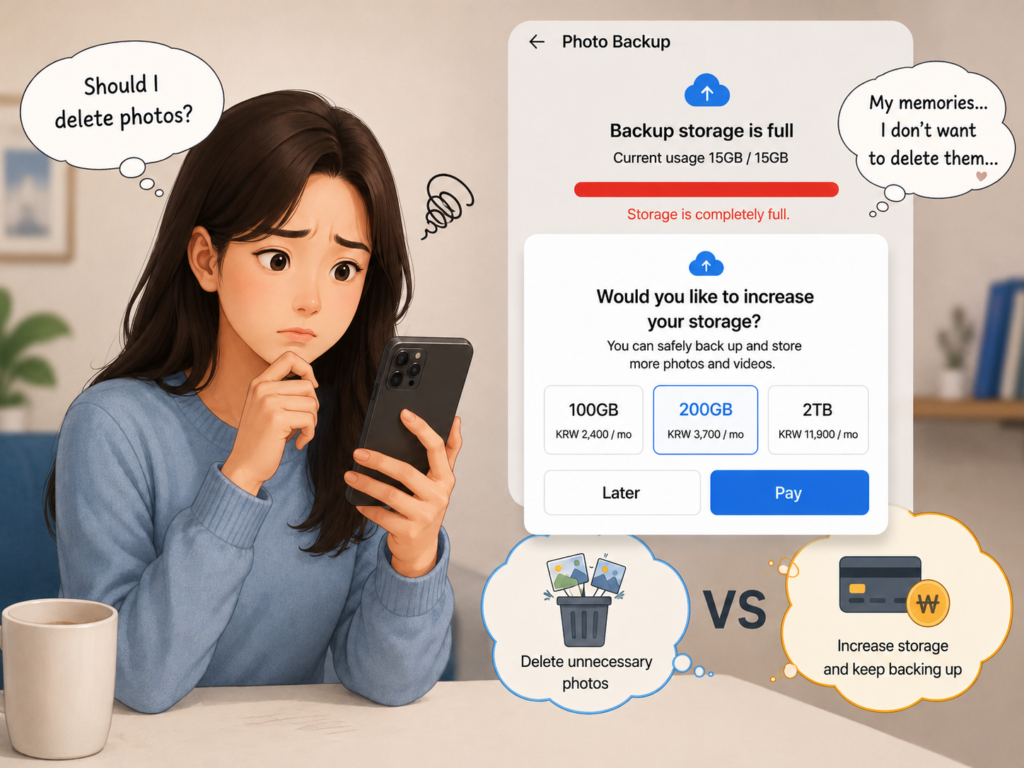
The amount of storage space available for free is limited.
However, when you run out of storage space, you can pay a few thousand won per month and increase the capacity to 100 GB, 200 GB, 2 TB, or as much as you need.
Conversely, when you no longer need that much storage, you can reduce it again.
For ordinary users, therefore, it is not far wrong to think of the cloud as
“an external hard drive you do not need to carry.”
In Fact, You Have Already Experienced the Cloud.
Increasing the capacity when you run out of storage space,
and reducing it again when you no longer need it.
In fact, this is the core concept of the cloud.
Using as much as you need and reducing it again when you no longer need it.
You have already been using cloud technology in this way.
It Is the Same Cloud—Only the Way It Is Used Is Different.
Companies use the cloud not as storage space, but to manage computer environments.
For example, when a new employee joins a company, the computer environment they need differs depending on their role.
- How much memory they need
- How much storage space they need
- Which operating system they will use
- Which programs need to be installed
This is because designers, developers, and general office workers all require different computer specifications.
In the past, companies had to prepare these environments in advance. If the specifications later became insufficient, they had to change the environment again by adding memory or increasing storage space.
However, with the cloud, companies can manage the computer environments they need much more flexibly.
For example,
- Memory: 8 GB → 32 GB
- Storage space: 100 GB → 1 TB
- Add required programs
The environment can be changed quickly to suit the work.
Just as you increase or reduce your photo storage capacity,
companies can increase or reduce computer performance and environments according to their needs.
That Is Why So Many Companies Use It.
Companies do not need to prepare the highest-spec computer environment for every employee from the beginning.
This is because they can use only as much as they need for the work
and reduce it again when it is no longer needed.
As a result, companies can
- use computing resources efficiently
- prepare work environments more quickly
- manage costs more easily according to usage
That is why many companies actively use the cloud.
The Cloud Also Has Disadvantages.
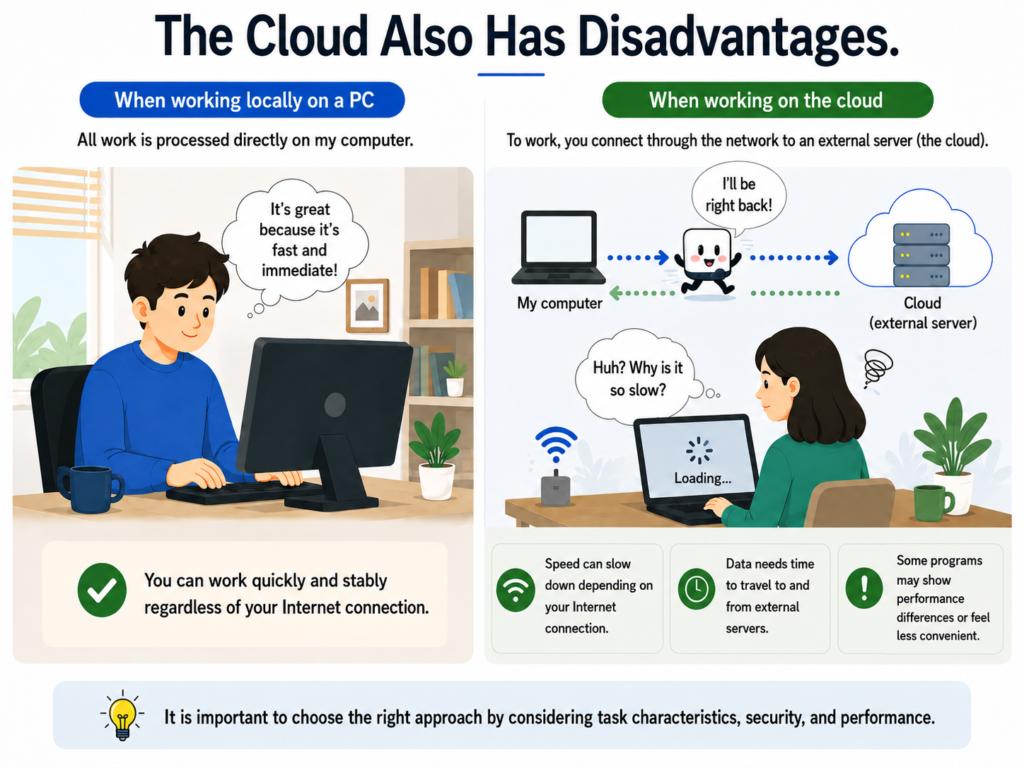
The cloud is a technology accessed through the internet.
It can therefore be affected by internet or network conditions.
It may also feel less convenient than a program installed directly on your computer, or there may be differences in performance.
That is why not all work is handled only in the cloud, even today.
Companies choose the appropriate approach by considering the nature of the work, security, performance, and other factors.
Summary
The photo backup services we use are also the cloud.
Managing memory, storage space, and programs flexibly within a company is also the cloud.
They are not different technologies. They are the same cloud used for different purposes.
Ordinary users use the cloud as storage space,
while companies use it as a technology for flexibly managing computer performance and environments.
DANA NOTES in One Line
The cloud is not only a technology for renting storage space. It is a technology that allows you to use a computer environment flexibly according to your needs.